
Create a customer account from the widget
In daily reservation mode, your customers can register directly from the booking widget embedded on your website. With their account, they can manage reservations, receive notifications, and speed up future purchases.
Step-by-step video
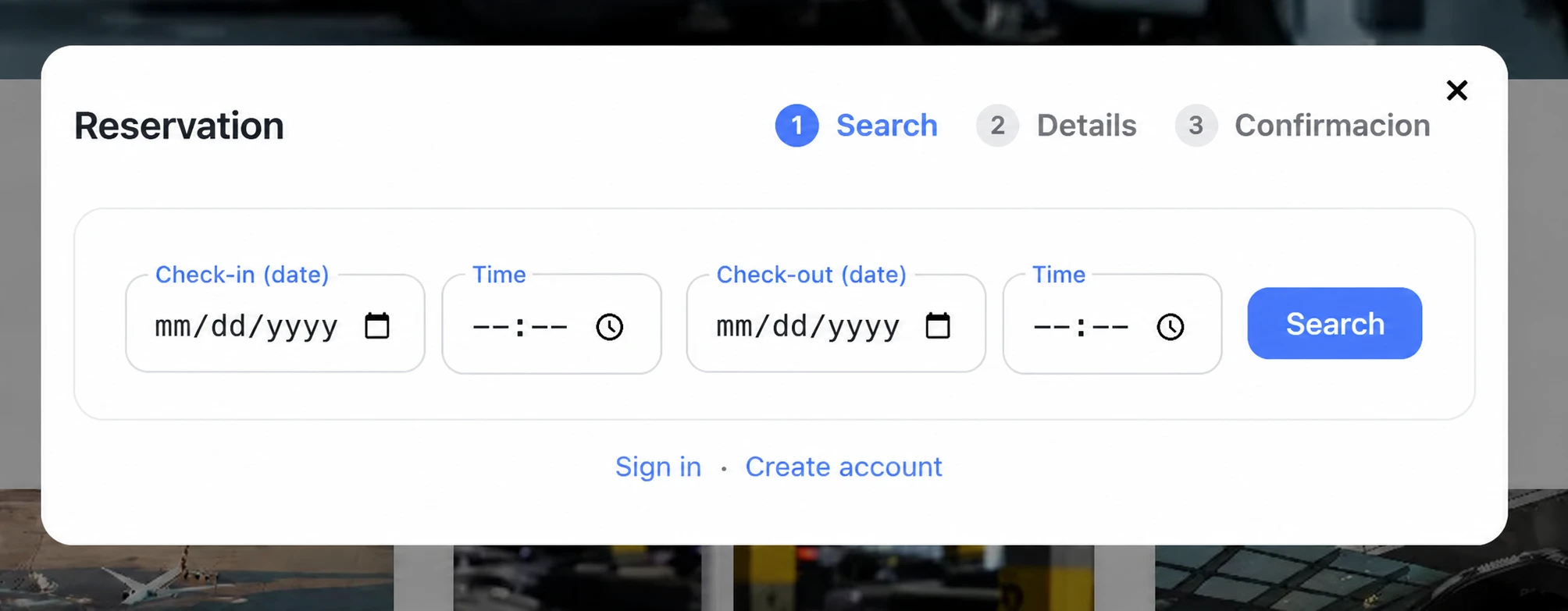
Registration happens within the same widget flow, before confirming the reservation.
Steps to create the account from the widget
- Open the widget. The system offers Sign in or Create account. Choose Create account.
- Complete the information with an email and a secure password of at least 8 characters.
- Validate the account from the confirmation email.
- Continue with reservation confirmation and, if enabled, complete online payment with Mercado Pago, Redsys, or PayPal.
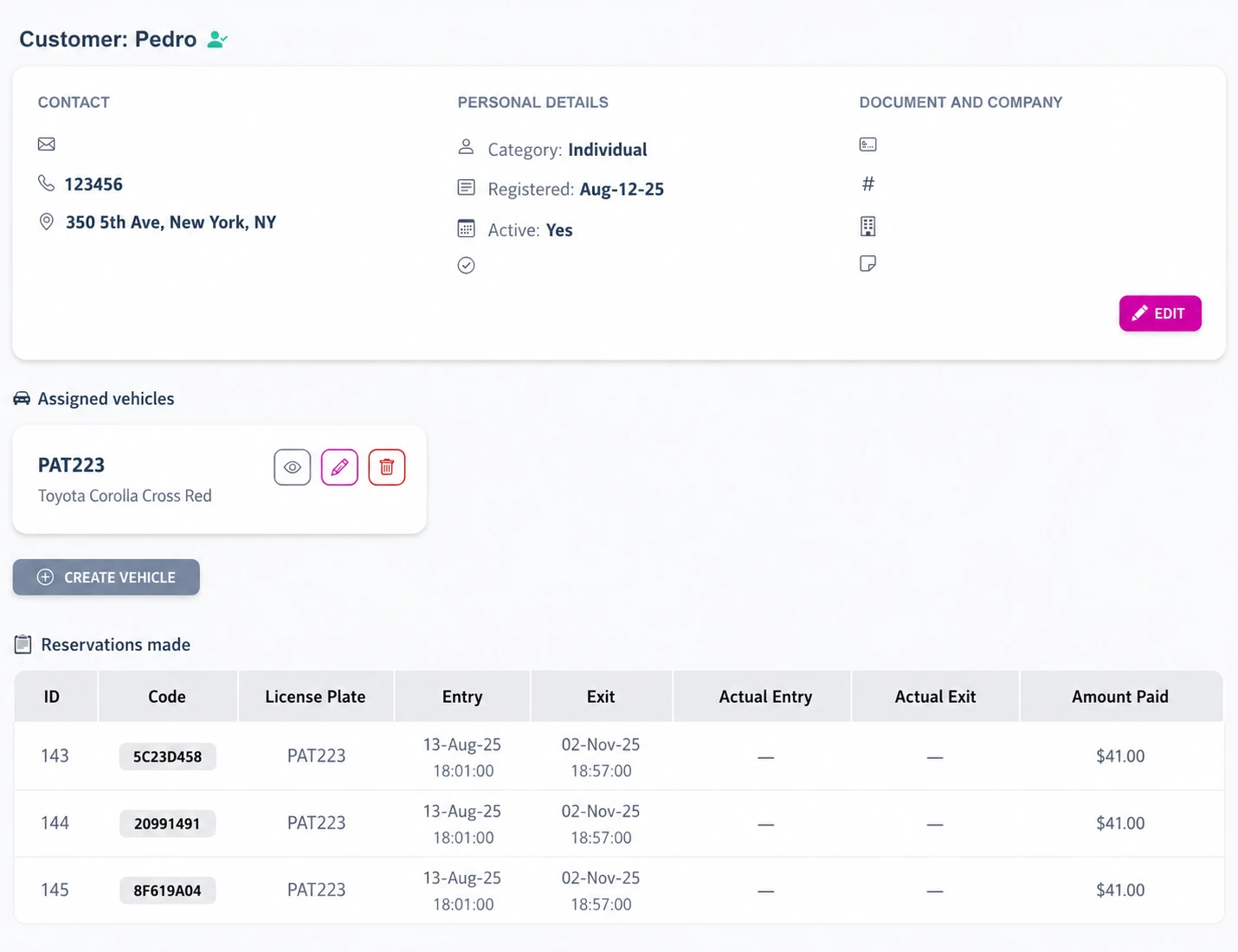
The created account becomes available in the customer list, with its reservation history.
Suggestions:
- Request a valid email for notifications and vouchers.
- If customers use a shared device, recommend signing out when finished.
- Frequent customers speed up checkout because their details remain saved.
Quick questions
They can complete the reservation immediately after registering. If you enabled email verification in your account, follow your usual communication policies.
The widget allows sign-in. If the customer tries to create an account with an existing email, they will be asked to sign in or recover the password.