
Insert the reservation widget (HTML)
Copy the widget code from AdminParking and paste it into any HTML website.
Step-by-step video
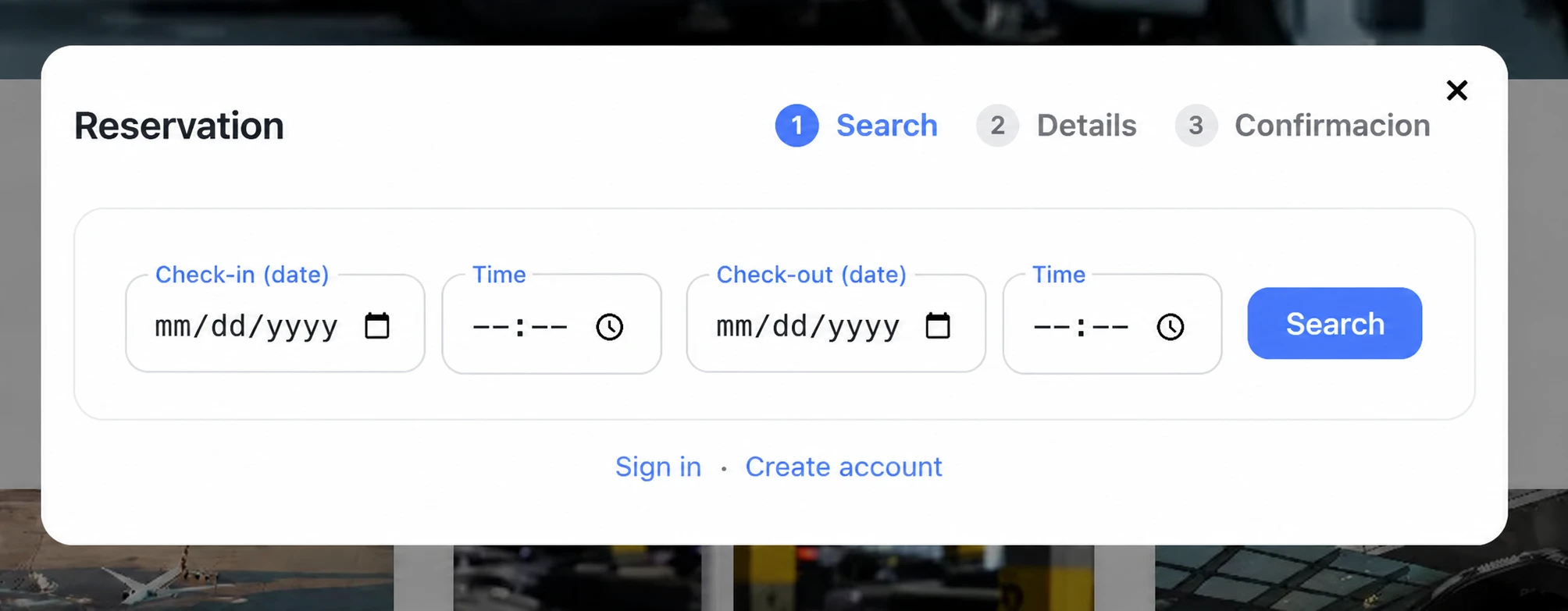
Widget embedded in the parking website.
Steps
- In AdminParking: Settings -> Daily Reservations -> Widget.
- Copy the HTML code shown on screen.
- Paste it into your page, inside an HTML block, and publish the changes.
- Make a test reservation to confirm that the widget works correctly.