
Cashier - Create new reservation (daily)
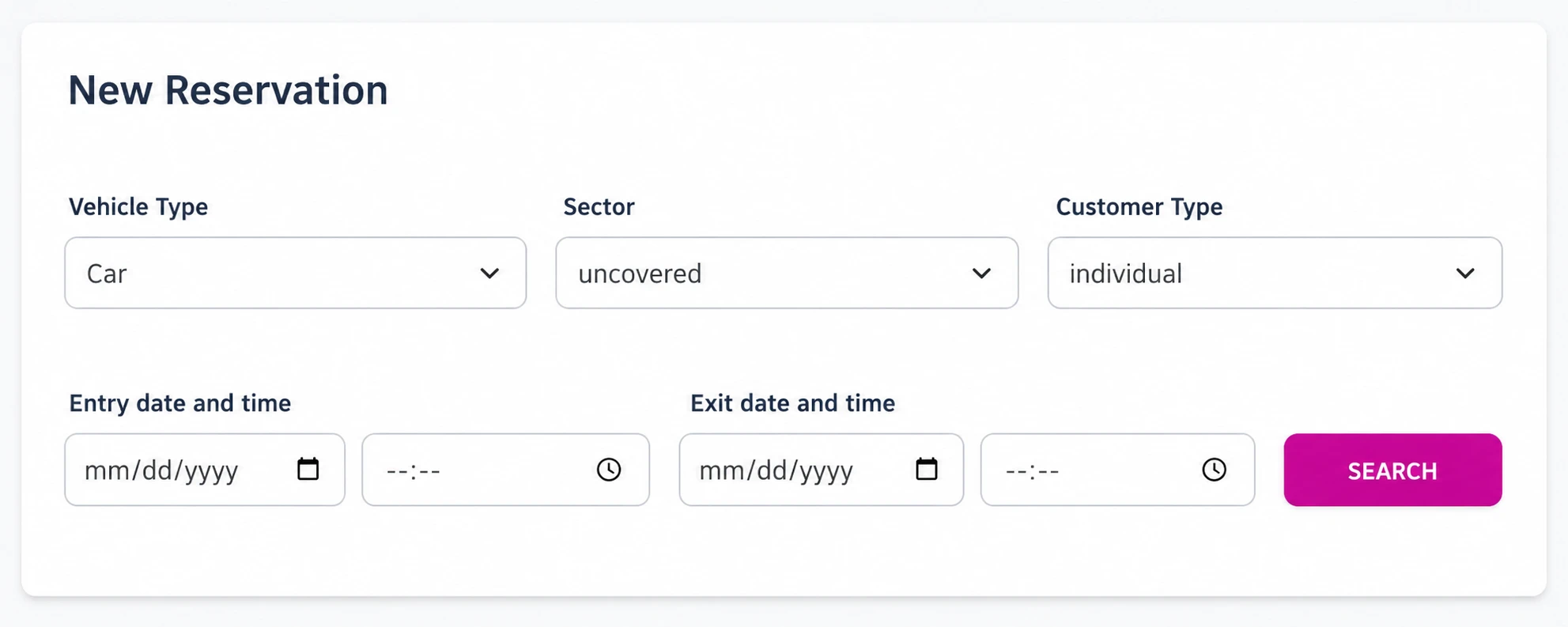
From the cashier role, you can create a daily reservation in a few steps: choose dates, assign sector and vehicle type, apply the correct price list, register the customer, and confirm. If the account has online payments enabled, you can also take a deposit or full payment.
Step-by-step video
Best practices
- Clear deposits: define the deposit amount and due date to avoid unnecessary blocks.
- Sync payments: if you use online payments, verify that the integration is active before confirming.
- Identify the customer clearly: this improves communication and reduces no-shows.