
Users
Book a space
The user can book from their phone based on availability, location, and limits defined by the company.
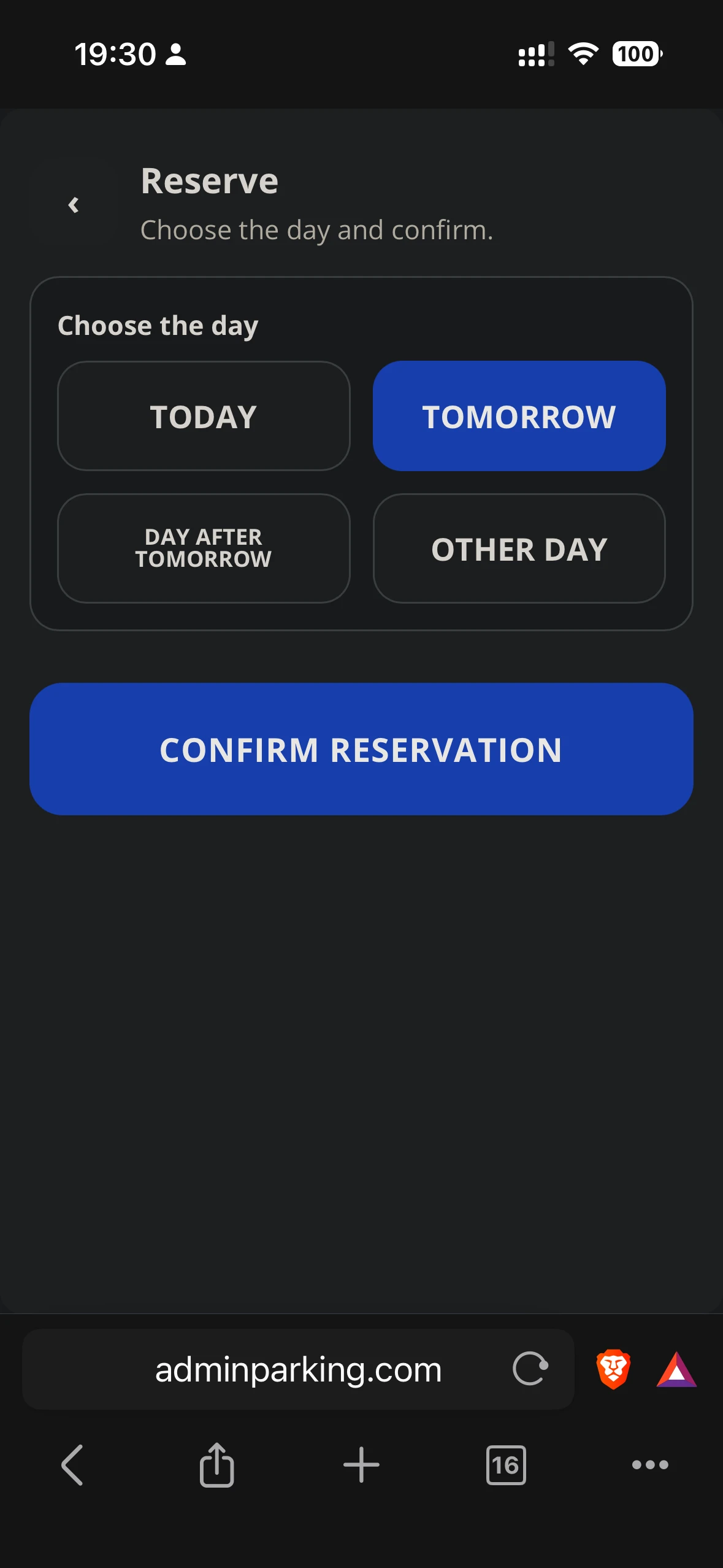
Steps
- From home, tap Book.
- Select the location if the account works with more than one.
- Choose start and end date. If the account works by hour, also select times.
- Review the availability shown by the app.
- Confirm with Confirm reservation.
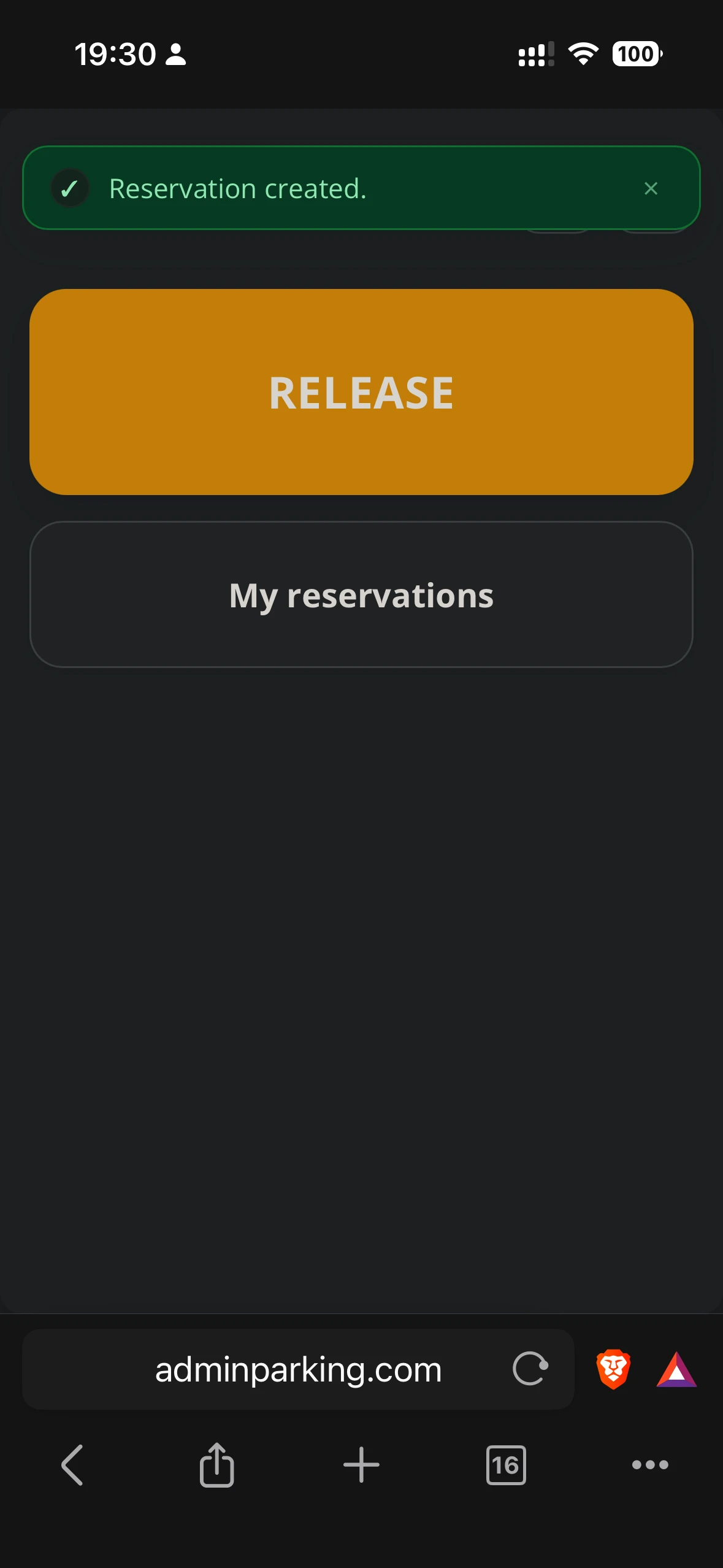
- Return home or go to My reservations to verify the status.
Possible statuses
| Confirmed | The reservation was registered for the selected range. |
| In progress | The reservation is currently active. |
| Canceled | The user or administrator released the reservation. |