
Users
Release a fixed space
Users with a fixed space can make it available when they will not use it.
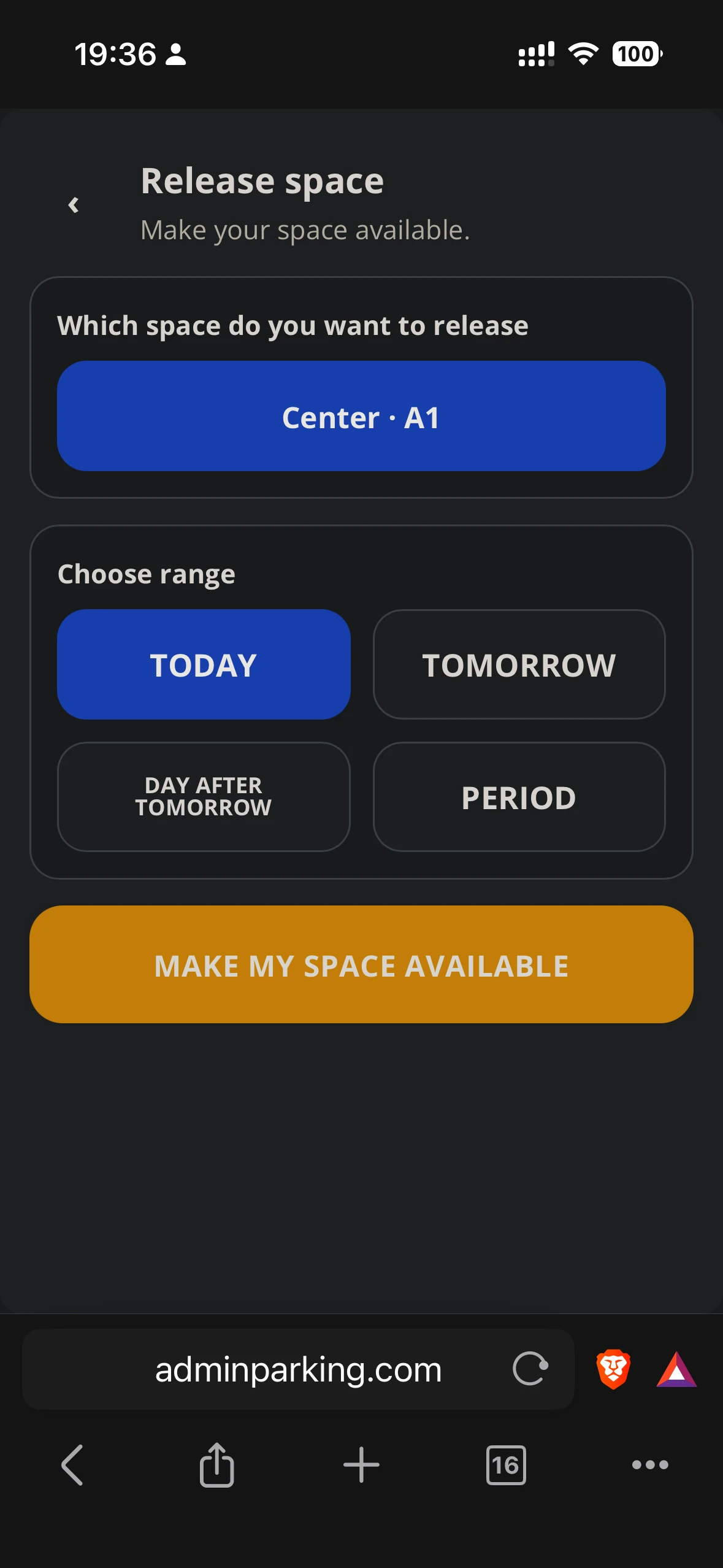
Steps
- From home, tap Release.
- Choose the fixed space to make available, if the user has more than one.
- Select start and end date. In hourly mode, also choose the time.
- Review the period summary.
- Confirm with Make my space available.
- The release becomes visible in activity and in the administrator panel.
A released space returns to its owner when the range ends. If nobody took it and rules allow it, the owner can also recover it earlier.